

Saved DCX2496 configurations are automatically saved in the default folder ‘C:\Users\Public\Documents\DCX.Mixer’, including the direct preset save buttons 1–6. If you already have your own presets, please copy them to this directory (*.DCC files).
FAQ
The PC with the "DCX.Server" software must have an RS232 port: the “RTS” signal and a baud rate of 38,400 baud are supported. PCs without an RS232 port should use a USB-to-RS232 adapter. Adapters with an FTDI chip are recommended. No drivers are required for this under MS Windows 11 or macOS. Example: Digitus DA-70156.
No.
You will also need the DCX.Server software for control purposes.
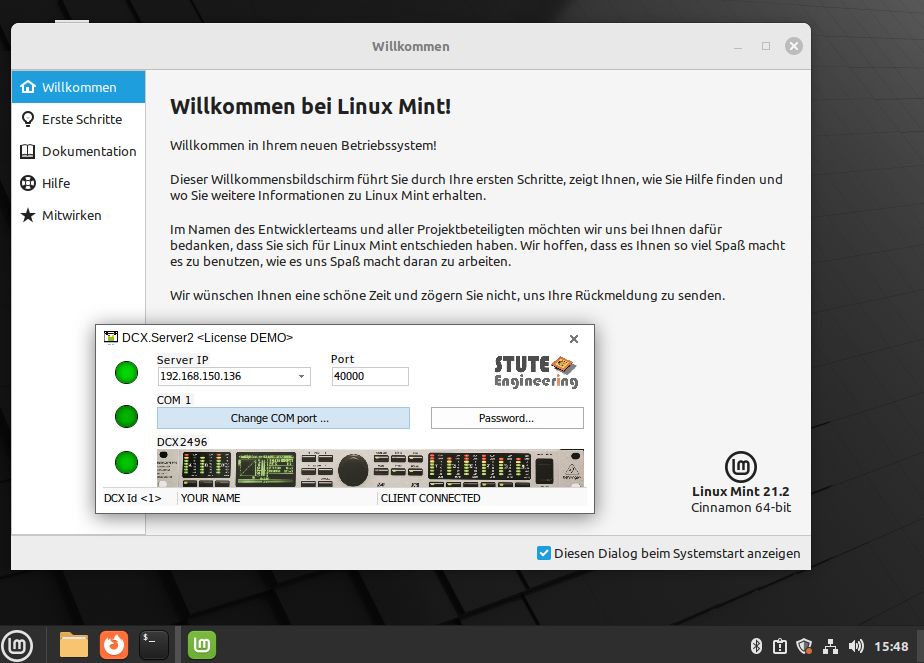
Good to know: You can use DCX.Server for MS-Windows with a Linux PC in combination with free WineHQ extension, like Linux Mint 21 with WineHQ 8.
So you can control comfortable your DCX2496 from your tablet PC or cell phone via WiFi.
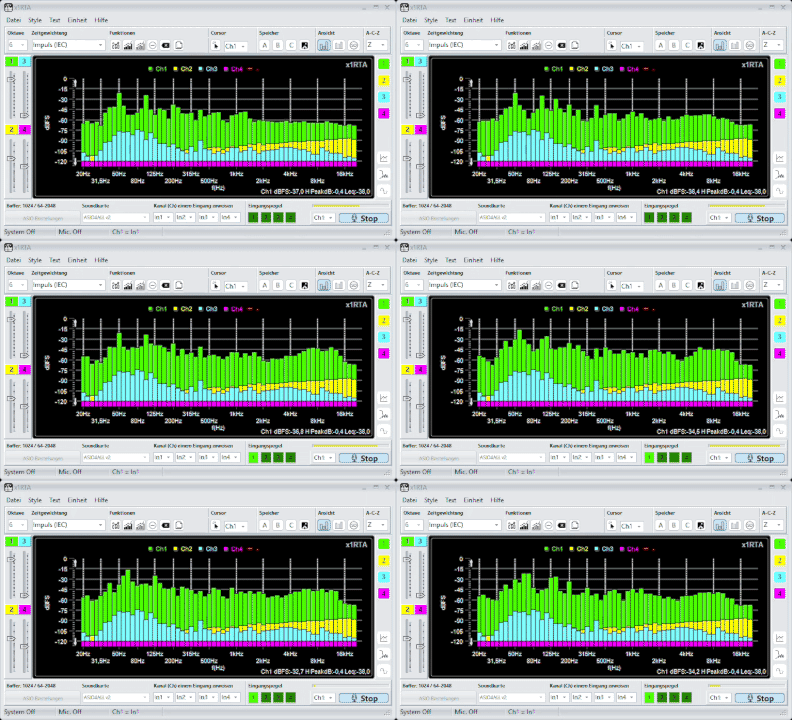
At first glance, RTA octave band measurements appear rather coarse compared to an FFT. However, it is precisely this reduced resolution that proves advantageous in many practical applications.
The key point is that octave bands are based on the frequency-dependent resolution of human hearing and also comply with standard technical specifications. As a result, they provide a more interpretable and practical representation than a high-resolution FFT. Our x1RTA and x1BAR products are excellent software solutions.
Measurement microphones are designed either for free-field measurements (0° orientation) or for diffuse sound measurements (90° orientation). Ideally, they should have a frequency response that is as linear as possible in the intended orientation – though in practice, this is usually only achieved by high-quality and correspondingly expensive microphones.
<br>
If the measurement is taken in an orientation other than that intended, frequency-dependent deviations of several dB may occur. An example of a measurement microphone for diffuse sound is the Beyerdynamic MM1 – linear at 90°.
<br>
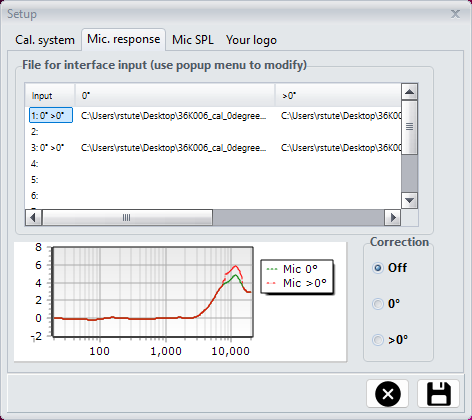
x1RTA therefore allows separate correction files for 0° and 90° to be stored for all 10 inputs, so that measurements can be correctly compensated for regardless of the microphone orientation.