


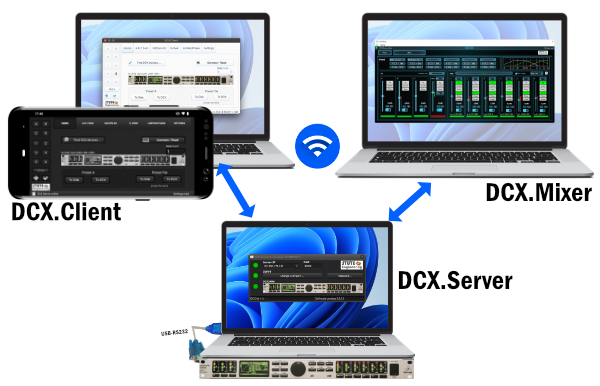
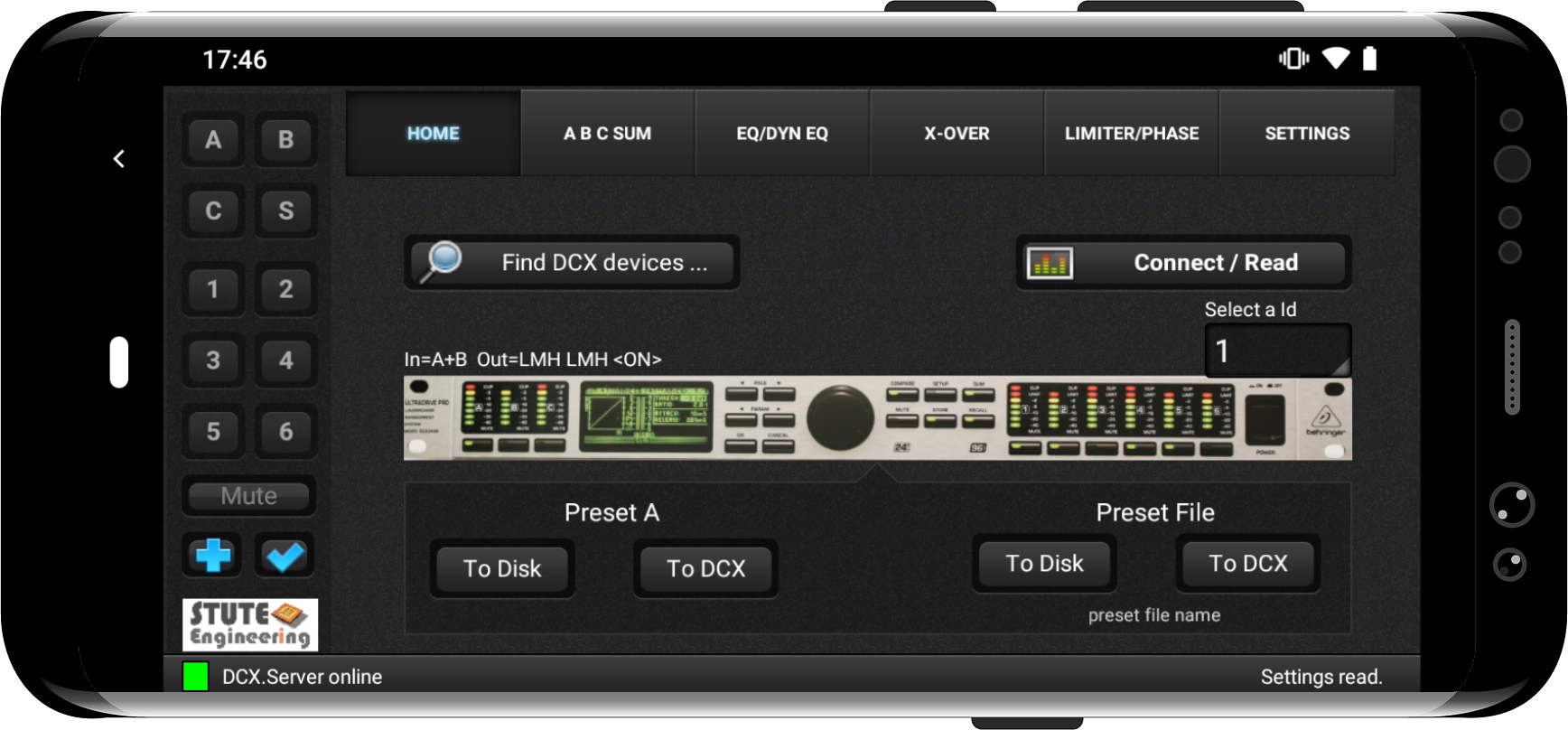
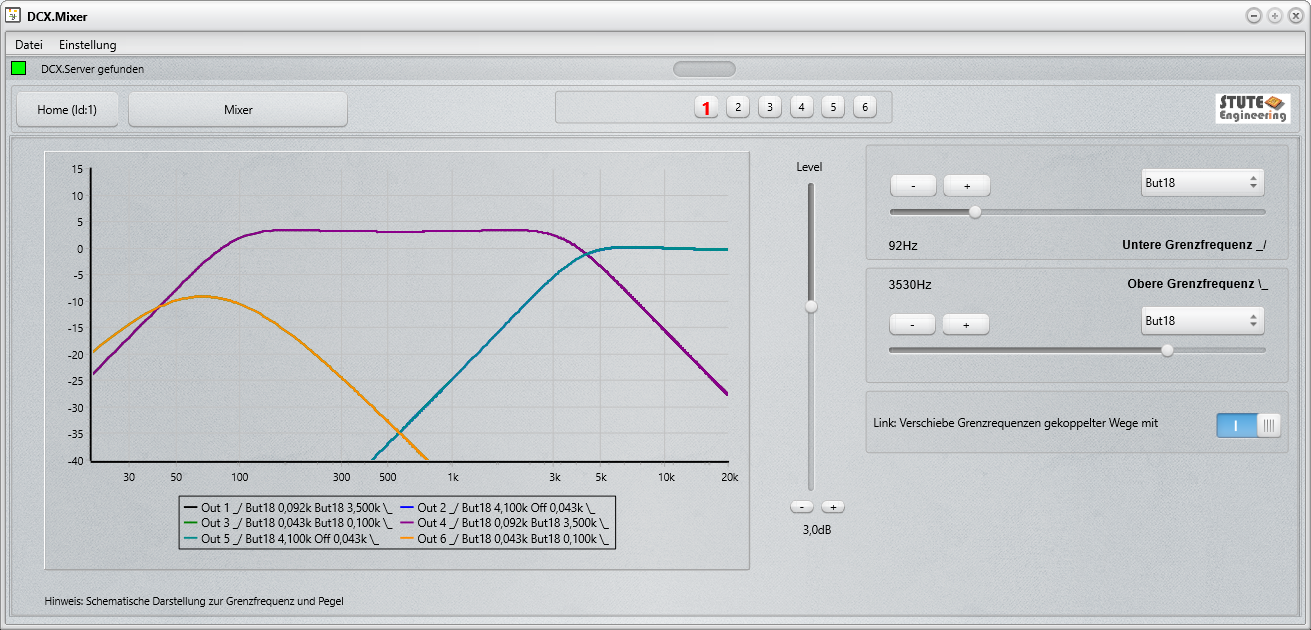
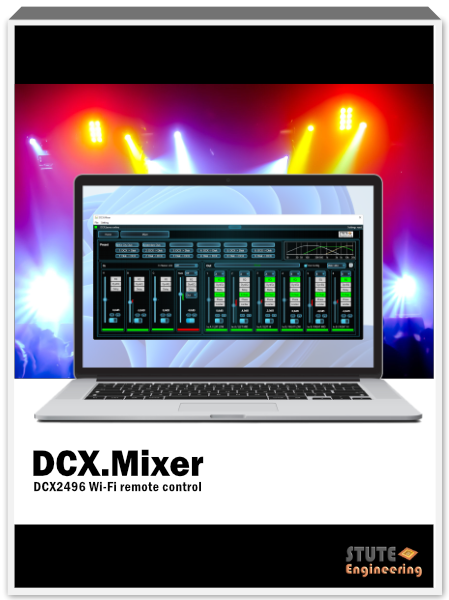
Control and configure your DCX2496 devices professionally. All channels quickly accessible and the status of the DSP function blocks always in view. Further you control multiple devices simultaneously with the new "SYNC" function. Note: DCX.Mixer requires DCX.Server for control. Free DEMO.
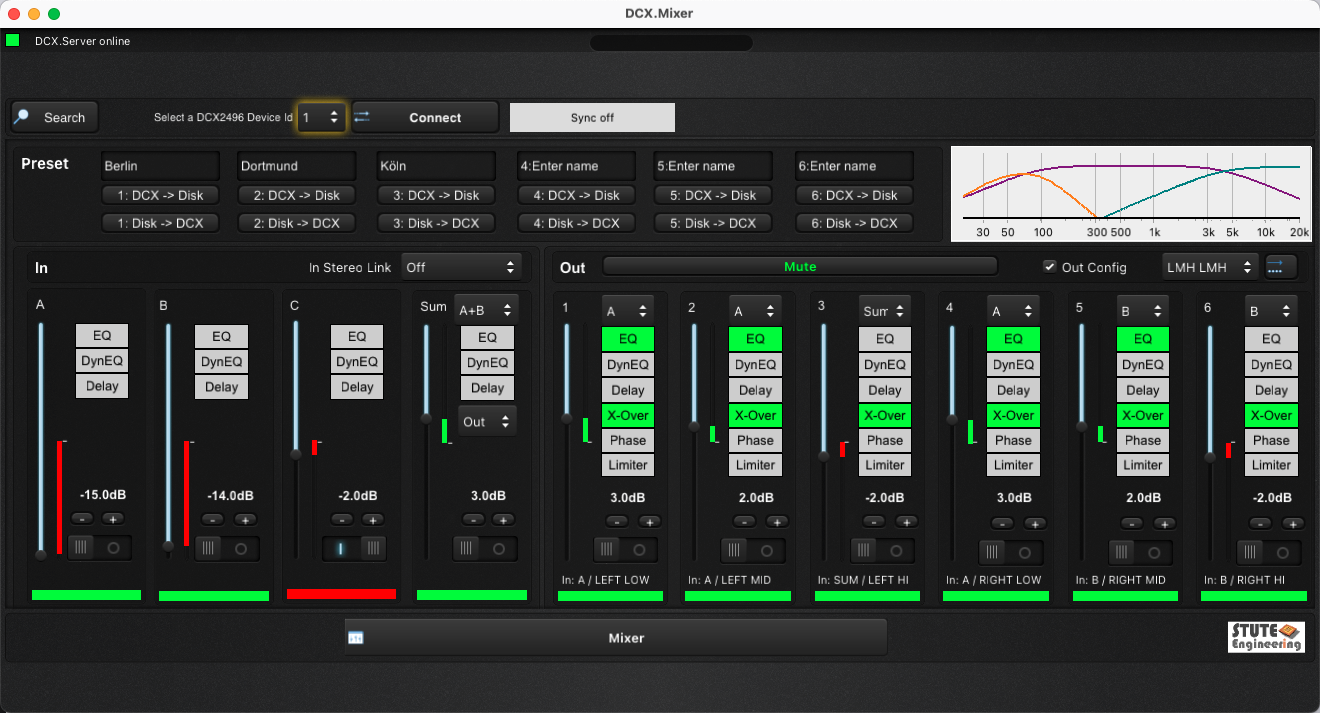
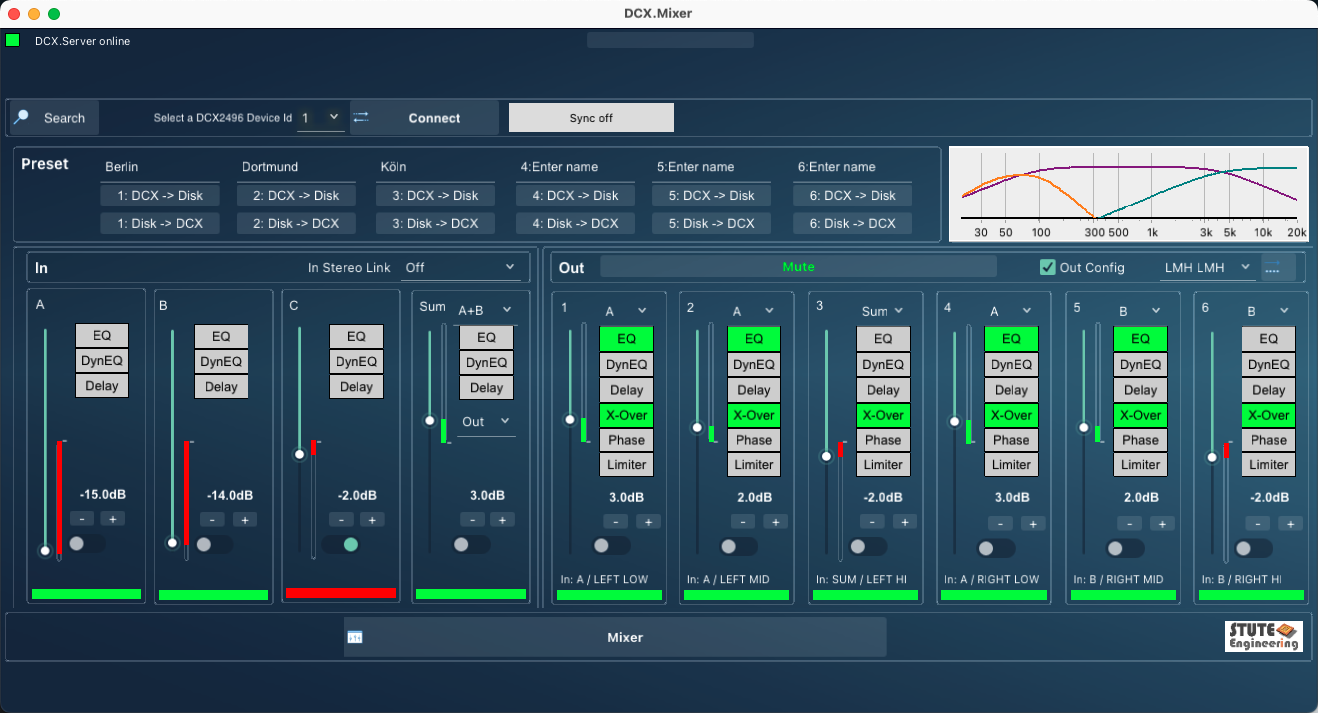
Whether level, cut-off frequency or EQ settings, the change of the DCX2496 setting in the DCX.Mixer is sent to several DCX2496.
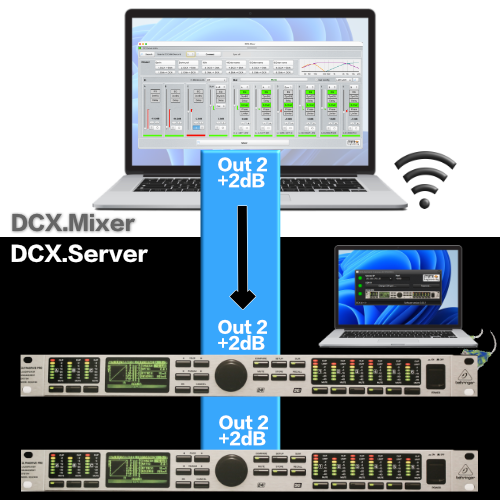
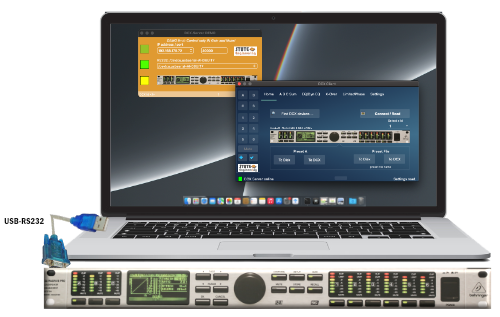
The interface between DCX.Client / DCX.Mixer and the Behringer DCX2496.
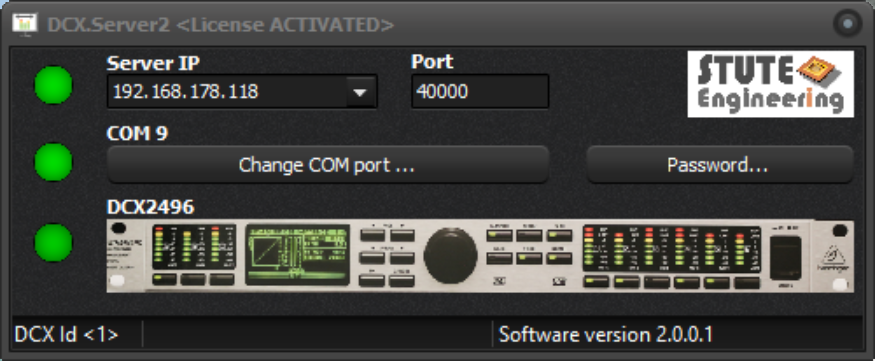

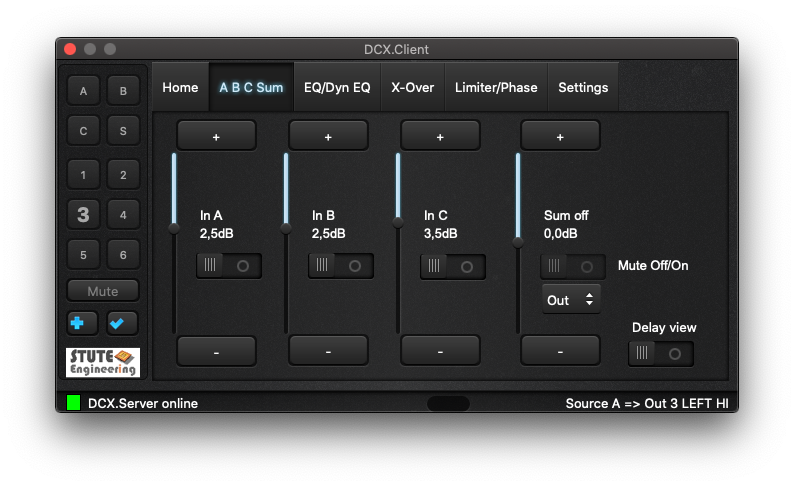
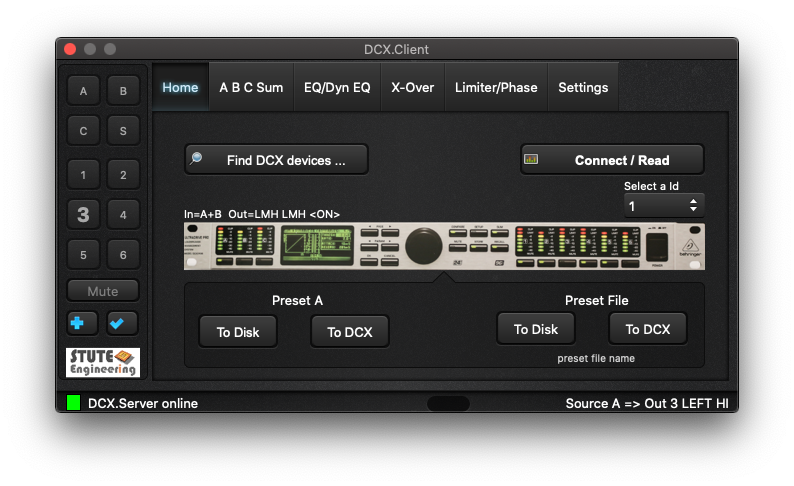
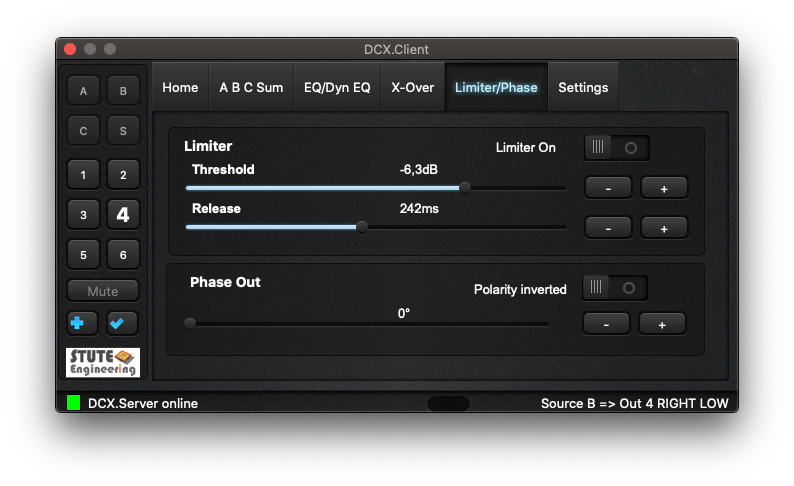
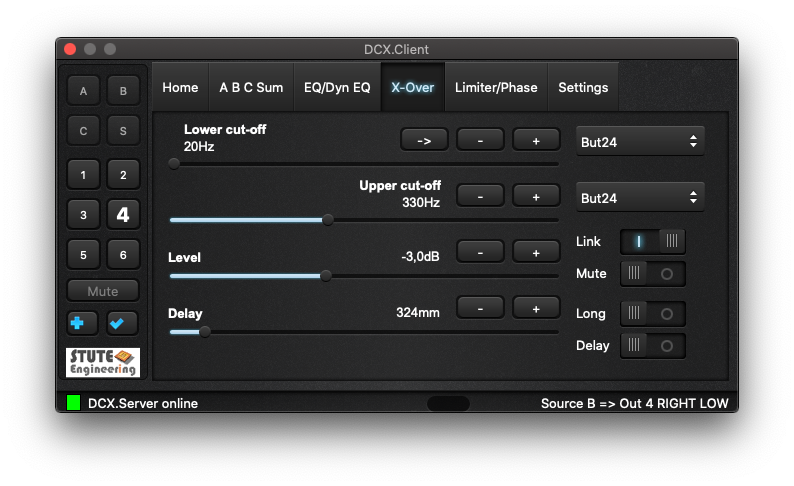

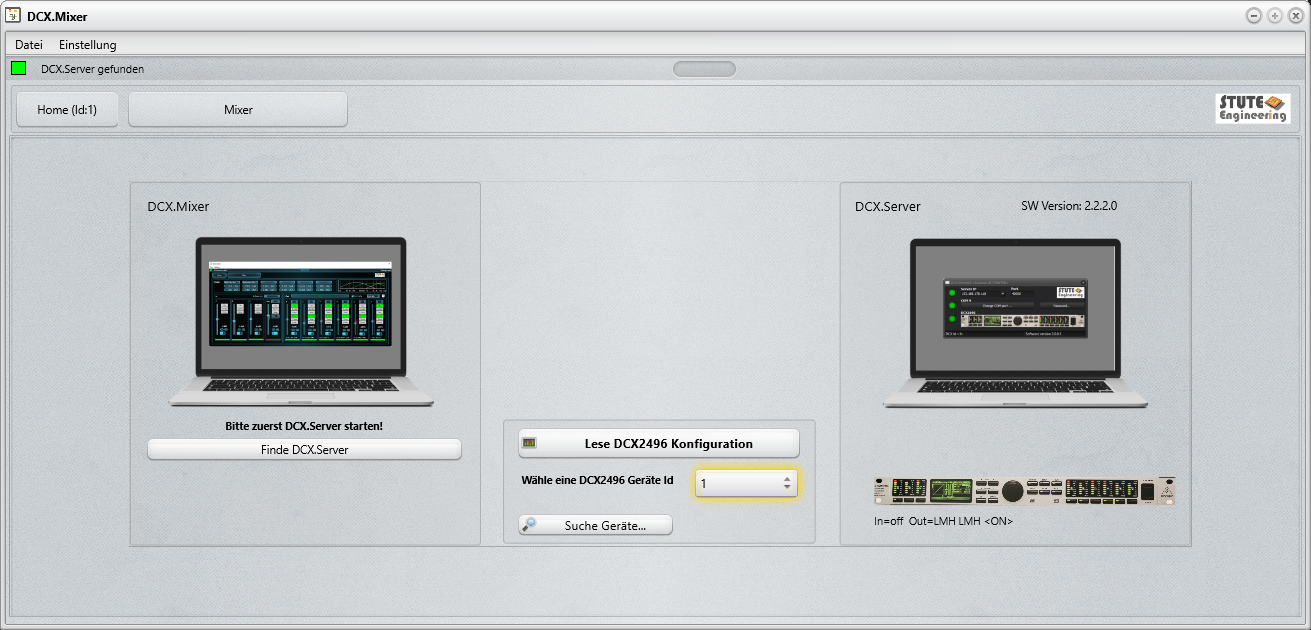
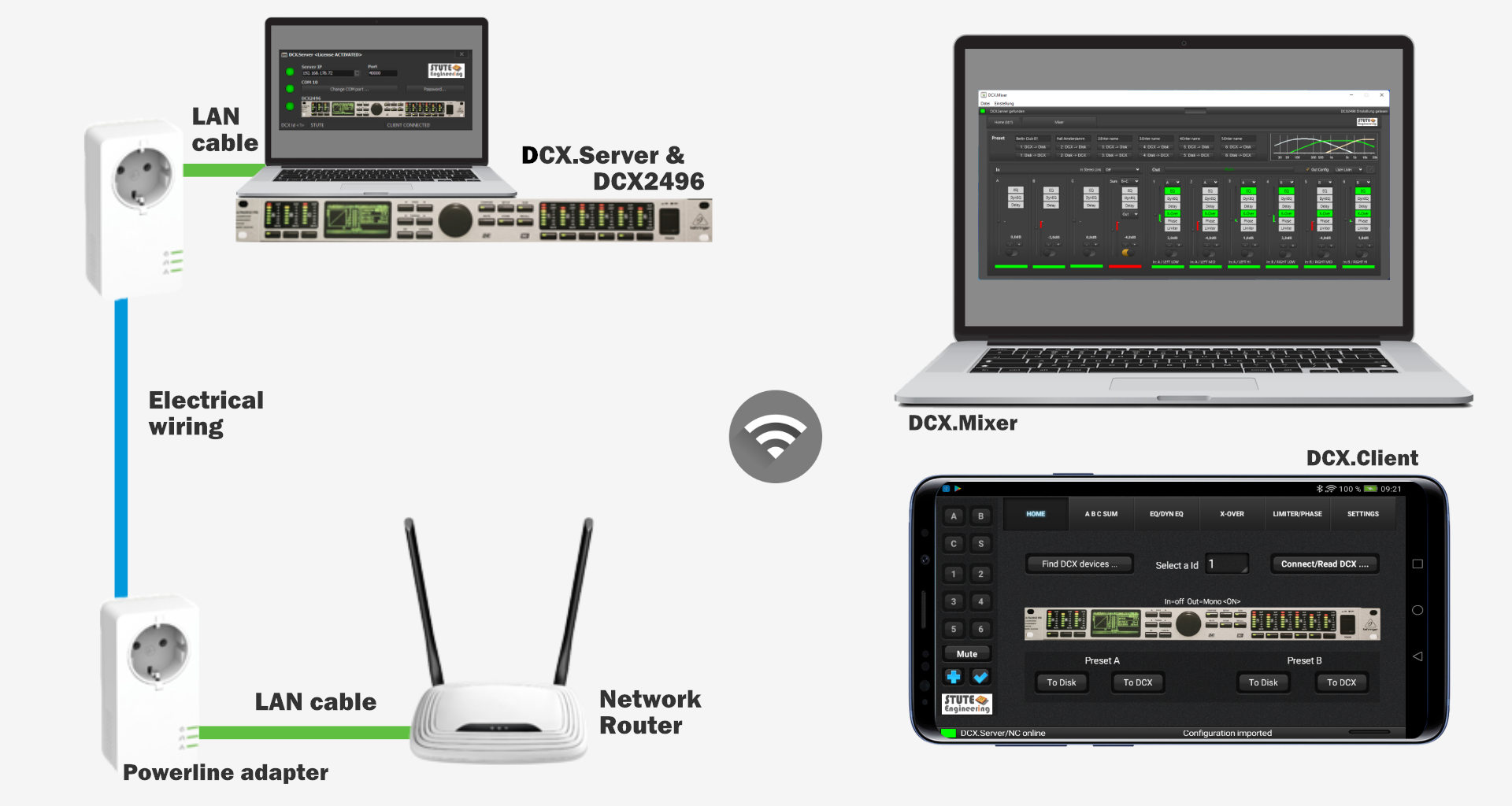
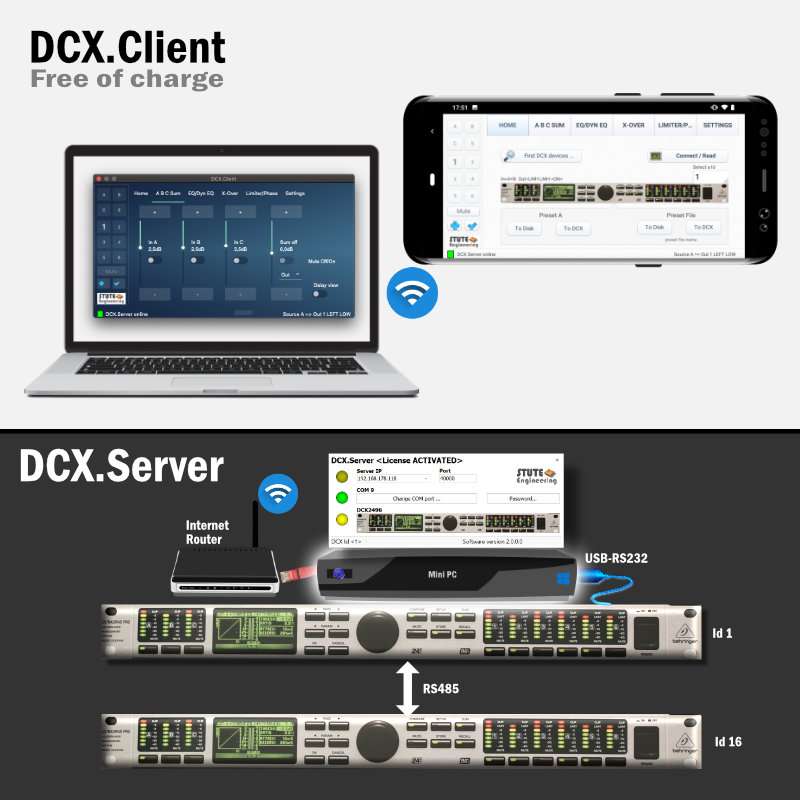


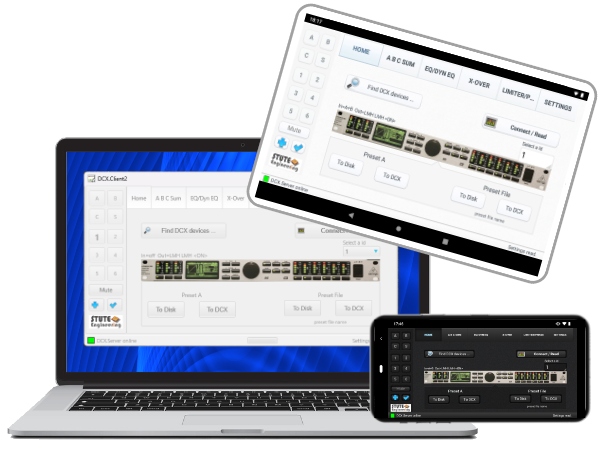
DCX.Server is required for DCX.Mixer and DCX.Client.
DCX.Server supports:
- MS-Windows 10/11 *)
- MS-Windows 11 ARM *)
- Linux Mint 21 *) **)
- from macOS 12, Intel & Mx CPU *)
*) PC must be connected to the router via LAN cable or Power Lan adapter. DCX2496 RS232 connection: USB-RS232 interface with RTS signal, FTDI chipset recommended (example Digitus DA-70156).
**) MS-Windows software with WineHQ 8. RS232 port must set to COM1
Note macOS: Set in macOS settings "Network" for WiFi connection the “Private WiFi address” value to ‘OFF’ or “Static”.
- MS-Windows 10/11 *)
- MS-Windows 11 ARM *)
- from macOS 12, Intel & Mx CPU *)
- from Android 10 **)
Note macOS: Set in macOS settings "Network" for WiFi connection the “Private WiFi address” value to ‘OFF’ or “Static”.
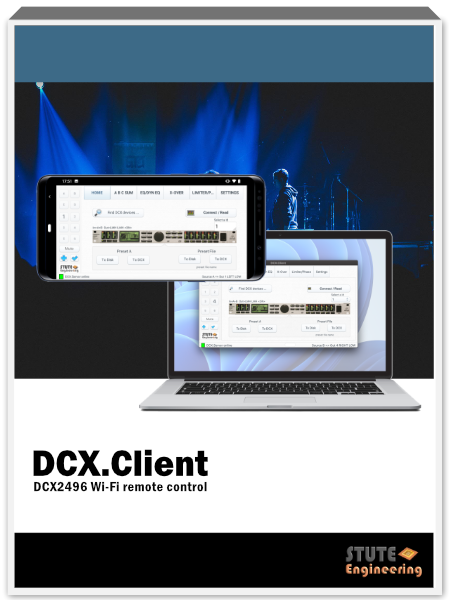
Free unlimited version
- MS-Windows 10/11 *)
- MS-Windows 11 ARM *)
- from macOS 12, Intel & Mx CPU *)
- from Android 10 **)
- from iOS 14 **)
*) Find the free trial on our Download page **) see App Store


